Table of Contents
ToggleHow to Optimize Your Website for Google AI Overviews in 2026
Google Search is evolving as AI-powered features change how people discover and explore information online. Google AI Overviews can summarize information from multiple sources and provide links that help users explore a topic further.
For website owners, this creates a new opportunity to make useful content easier to discover. However, appearing in an AI Overview is not guaranteed, and there is no special trick that ensures Google will select a particular page.
The practical approach is to build a website that provides reliable information, answers real questions, and follows established SEO best practices.
In this guide, you will learn how Google AI Overviews relate to traditional SEO and what you can do to prepare your website in 2026.
What Are Google AI Overviews?
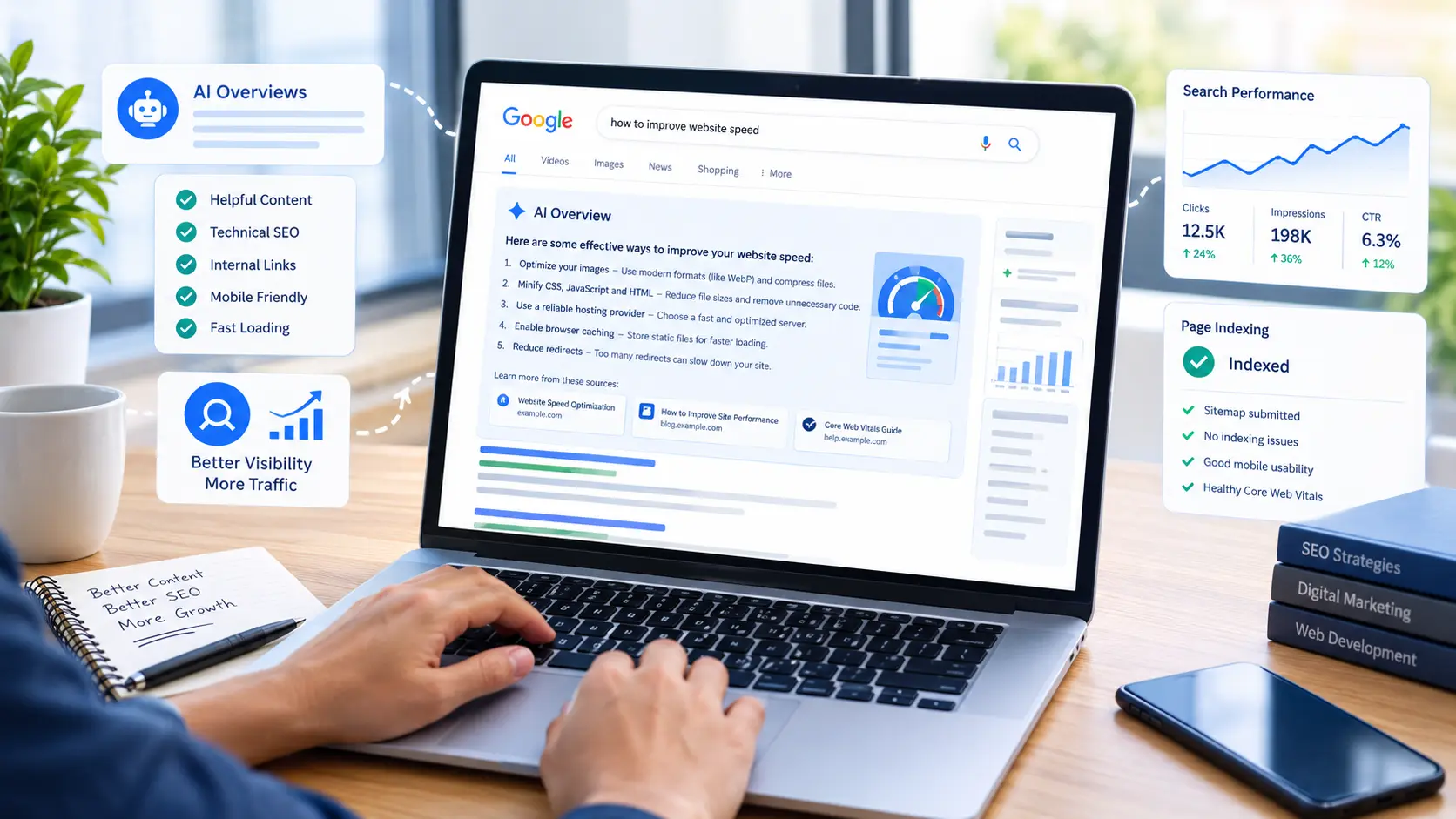
Google AI Overviews are AI-generated summaries that may appear in Google Search results for certain queries. They help users understand a topic and can include links to websites that provide additional information.
For example, someone searching for ways to improve website speed might see a summary of common techniques alongside links to relevant resources.
AI Overviews do not appear for every search. Google determines when these features are useful, and the information and links shown can vary between searches.
For publishers, being eligible to appear as a supporting link depends on meeting Google’s technical requirements and following its search policies and best practices.
Why Is SEO Still Important for Google AI Overviews?
Traditional SEO remains important because Google’s AI-powered search features rely on its underlying Search systems to find relevant information.
Google’s guidance does not require website owners to use a separate set of AI-specific ranking tricks. Instead, it recommends the same fundamentals: useful content, accessible pages, sound technical SEO, and compliance with Search policies.
Here are three important points to understand:
- Indexing matters: A page generally needs to be indexed and eligible to appear in Google Search to qualify as a supporting link in AI features.
- Content quality matters: Your page should provide meaningful information that satisfies the visitor’s needs.
- No appearance is guaranteed: Following best practices does not guarantee that Google will crawl, index, rank, or display your page in an AI Overview.
The goal should be to make your website genuinely useful rather than trying to manipulate an AI system.
1. Create Helpful, Original, People-First Content
Start by reviewing whether your articles offer something valuable to your intended audience.
A page that repeats information already available on many websites without adding useful details may provide little reason for readers to visit. Instead, develop content that explains the topic clearly and helps readers take action.
For each article:
- Answer the main question early.
- Explain important concepts in simple language.
- Include practical steps and relevant examples.
- Verify factual claims using trustworthy sources.
- Add useful details that go beyond a basic summary.
- Remove repetitive paragraphs and unnecessary introductions.
For example, an article about website indexing should explain how to check indexing status in Google Search Console, how to interpret common messages, and what to investigate when a page is not indexed.
This gives readers practical guidance rather than simply repeating a general definition.
2. Understand Search Intent Before Writing
Search intent describes what a person wants to accomplish when they enter a query into Google.
Before creating a new article, identify the likely questions behind your target keyword.
For example, someone searching for “Google AI Overviews optimization” may want to understand:
- How AI Overviews work.
- Whether traditional SEO still matters.
- How to make website content useful and accessible.
- Which technical issues may prevent a page from appearing in Search.
- Whether special AI optimization tools are necessary.
Organize your article around those needs.
Review existing search results to understand the information readers expect, but do not simply copy competing articles. Use your research to identify missing explanations, unclear advice, and opportunities to provide a more practical answer.
3. Structure Your Content With Clear Headings
Clear headings help readers navigate an article and help search engines understand its organization.
Use one descriptive main heading and divide the article into logical sections with H2 and H3 headings.
A useful structure might look like this:
- H1: How to Optimize Your Website for Google AI Overviews in 2026
- H2: What Are Google AI Overviews?
- H2: Why Is SEO Still Important?
- H2: How to Prepare Your Website
- H3: Improve Content Quality
- H3: Fix Technical SEO Issues
- H2: Common Mistakes to Avoid
- H2: Frequently Asked Questions
Use headings to describe the content that follows. Avoid adding keywords repeatedly when they do not make the heading more useful.
Short paragraphs, numbered steps, and relevant lists can also make complex information easier to understand.
4. Make Sure Google Can Access and Index Your Pages
Useful content cannot appear in Google Search if technical problems prevent Google from accessing or indexing it.
Review the following areas:
Check indexing status. Use Google Search Console’s URL Inspection tool to see whether a published URL is indexed and to review available crawling information.
Submit and maintain your sitemap. Make sure your XML sitemap contains the canonical URLs of the pages you want indexed and is accessible to Google.
Check robots directives. Confirm that important pages are not unintentionally blocked by robots.txt or marked with a noindex directive.
Review canonical URLs. Ensure that each page’s canonical setting points to the intended URL.
Fix broken links and redirects. Remove unnecessary redirect chains and update internal links that point to outdated URLs.
Use a crawlable website structure. Important articles should be reachable through relevant internal links, category pages, or other navigational elements.
Remember that an indexing request does not guarantee inclusion in Google’s index. Google decides when and whether to index a page.
5. Build Relevant Internal Links
Internal links connect related pages on your website. They help visitors discover more information and help search engines find and understand the relationships between your pages.
For example, a general article about AI search could link to related content about:
- Google Search Console.
- Technical SEO.
- Website indexing.
- Helpful content and SEO.
- Website design and optimization.
Use descriptive anchor text that tells readers what they will find after clicking.
Avoid adding links simply to increase their number. Each link should provide a useful next step for the reader.
For a service-oriented website, relevant internal links can also connect educational articles to suitable service pages. Keep these links contextual and helpful rather than turning every paragraph into a promotion.
6. Improve Website Usability and Mobile Experience
People may discover your website through phones, tablets, or desktop computers. Your pages should be easy to read and use across screen sizes.
Check that:
- Text is readable without excessive zooming.
- Headings and paragraphs have appropriate spacing.
- Images fit the screen and load properly.
- Navigation and buttons work on mobile devices.
- Important information is not hidden behind broken elements.
- Pages load reliably and do not contain intrusive interruptions.
Website performance is also worth monitoring. Use appropriate image dimensions, avoid unnecessary scripts, and investigate significant loading or layout problems.
Do not focus on a single performance metric in isolation. Consider the overall experience visitors have when reading and navigating your website.
7. Use Images and Other Media Meaningfully
Relevant images can make an article easier to understand, especially when they explain a process or illustrate an example.
For each image:
- Choose an image that supports the article’s purpose.
- Use a descriptive filename when practical.
- Add meaningful alternative text when the image conveys useful information.
- Compress images appropriately to avoid unnecessarily large files.
- Make sure important visual information is also available in text when needed.
For example, a genuine screenshot showing where to inspect a URL in Google Search Console may help readers follow the instructions.
Do not add decorative or irrelevant images just to make an article appear longer. Every visual element should serve a purpose.
8. Should You Use AI to Write SEO Content?
AI tools can assist with research, outlining, brainstorming, and editing. However, using AI does not automatically make an article useful or accurate.
Google’s guidance focuses on the quality and purpose of the content rather than simply whether AI was used.
If you use AI during writing:
- Verify facts and current product details.
- Review all recommendations before publishing.
- Add examples and analysis that are relevant to your audience.
- Remove generic, repetitive, or unsupported statements.
- Check that the finished article answers the reader’s question completely.
- Be transparent about the creation process when readers would reasonably expect that information.
Avoid publishing large numbers of lightly edited articles that repeat existing information without providing additional value.
A smaller number of carefully reviewed, genuinely useful articles is preferable to publishing content merely to meet a daily quota.
9. Monitor Search Performance and Improve Existing Content
Publishing an article is only the beginning of the process.
Google Search Console can help you monitor search impressions, clicks, queries, and indexing information for your website.
Use it to investigate questions such as:
- Is Google discovering the new URL?
- Has the page been indexed?
- Which search queries generate impressions?
- Are people clicking through from relevant results?
- Are there technical issues that need attention?
If an article receives impressions but few clicks, review whether its title and description accurately communicate its value. If it receives little visibility, investigate indexing, relevance, content quality, and internal linking before making assumptions.
Avoid changing a page repeatedly based on very limited data. Give Google time to crawl and process updates, then review the available evidence.
10. Common Google AI Overviews SEO Mistakes to Avoid
Some practices can waste time or reduce content quality.
Looking for a secret AI ranking formula: Google does not require a special AI Overview markup or a separate set of optimization tricks.
Keyword stuffing: Repeating a target phrase unnaturally makes content harder to read and does not replace useful explanations.
Publishing thin articles: A high publishing frequency cannot compensate for content that lacks depth or practical value.
Adding unnecessary structured data: Use structured data only when it is appropriate for the page and follows Google’s documentation.
Ignoring indexing problems: A well-written article may still have limited search visibility if Google cannot access or index it.
Assuming indexing guarantees visibility: Indexing means Google has included a page in its index; it does not guarantee high rankings or an AI Overview appearance.
Copying competitors: Research other pages to understand the topic, then create an original resource that helps readers in its own right.
Practical Checklist: Prepare Your Website for AI Search
Before publishing or updating an article, review this checklist:
The article answers a clear audience need.
The content is accurate, useful, and original.
The title and headings describe the actual content.
The page is accessible to Google and eligible for indexing.
The canonical URL is correct.
Relevant internal links are included.
Images are relevant and appropriately optimized.
The page works well on mobile devices.
Claims and recommendations have been fact-checked.
Performance and indexing can be monitored in Search Console.
This checklist is a practical quality-control process, not a guarantee of inclusion in AI Overviews.
Frequently Asked Questions
Do I need special SEO techniques to appear in Google AI Overviews?
No special AI-specific optimization is required. Google recommends following established SEO best practices, creating helpful content, and ensuring pages meet the technical requirements for Search.
Does Google AI Overviews replace traditional SEO?
No. Google’s AI-powered Search features use its underlying Search systems, so crawlability, indexing, relevance, and helpful content remain important.
Does adding FAQ sections guarantee an AI Overview appearance?
No. FAQ sections can help organize useful answers when appropriate, but adding them does not guarantee that a page will appear in an AI Overview.
Should I publish an article every day for AI search?
Publish at a pace that allows you to maintain accuracy, originality, and usefulness. A daily schedule can help organize your work, but frequency alone does not guarantee indexing or visibility.
Can a new website appear in Google AI Overviews?
A new website may become eligible if its pages are indexed and meet the relevant requirements. However, eligibility does not guarantee selection or appearance.
Final Thoughts
Optimizing for Google AI Overviews begins with building a website that people can trust and use. Focus on original information, clear explanations, sound technical SEO, relevant internal links, and a good mobile experience.
Use Google Search Console to monitor how your pages are discovered and indexed, and improve your content based on evidence rather than assumptions.
There is no guaranteed shortcut to appearing in AI-generated search results. A practical long-term strategy is to make every published page useful enough that a reader would benefit from visiting it directly.